Is Spide really free?
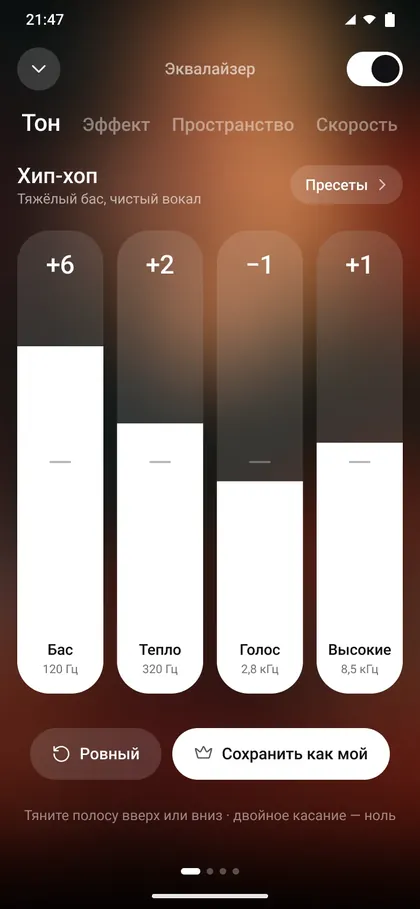
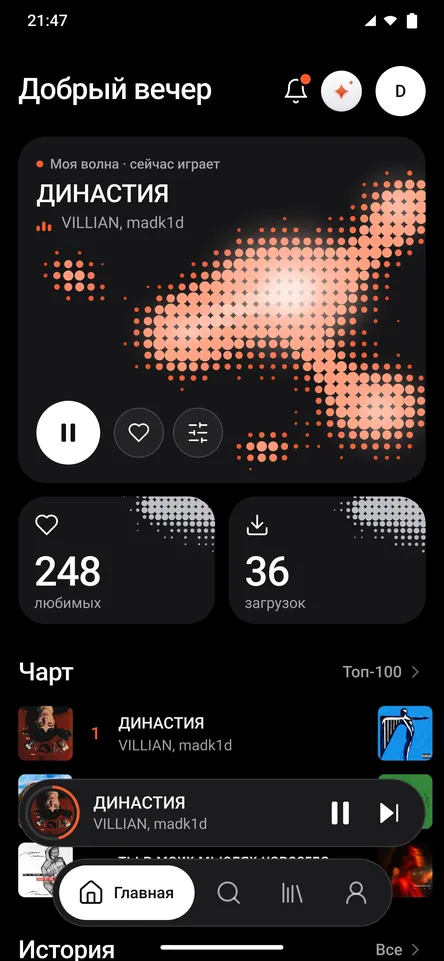
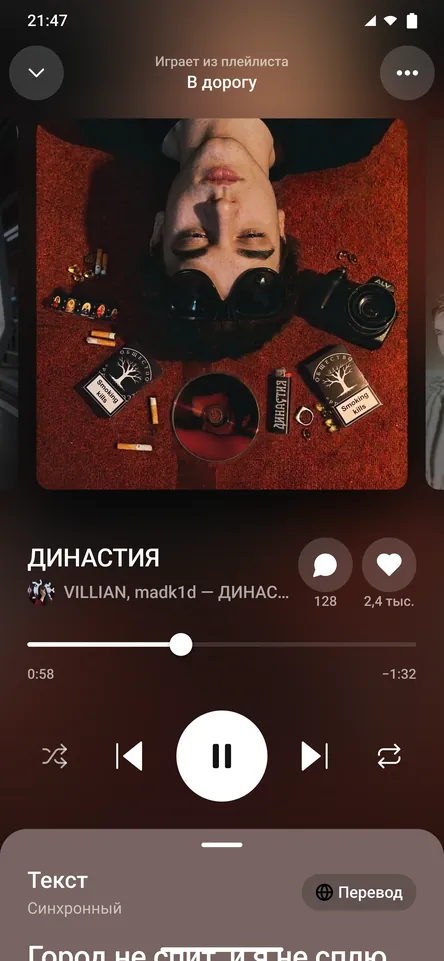
Yes. Listening, My Wave, lyrics, the equalizer, the sleep timer and the alarm are all free, with no card and no subscription.
0 ₽
Price, installing, music and your account. Start typing and only the answers you need stay on screen.
Yes. Listening, My Wave, lyrics, the equalizer, the sleep timer and the alarm are all free, with no card and no subscription.
0 ₽
Not in the free version and not in Premium. When a track ends, the next track plays, not a commercial.
No
It removes the limits on likes, offline tracks and Yandex Music imports, and adds audio up to 320 kbps, custom equalizer presets, a gentle sleep fade and a soft alarm, AI lyrics translation and 20 assistant requests a day. Your profile also gets a visitor list, a video header and an emoji next to your name.
85 rubles a month, 899 a year, or 2,999 once. There’s no in-app payment yet: message us on Telegram and we’ll switch your plan on by hand.
Only from spide.ru and the @SPIDEDEV Telegram channel. The download page lists the checksum so you can verify the file.
Download APKOpen the downloaded file and, when Android asks, allow your browser to install apps. Spide lands on your home screen a few seconds later, and signing in with Google, Telegram or email takes a few more. The download page walks you through it.
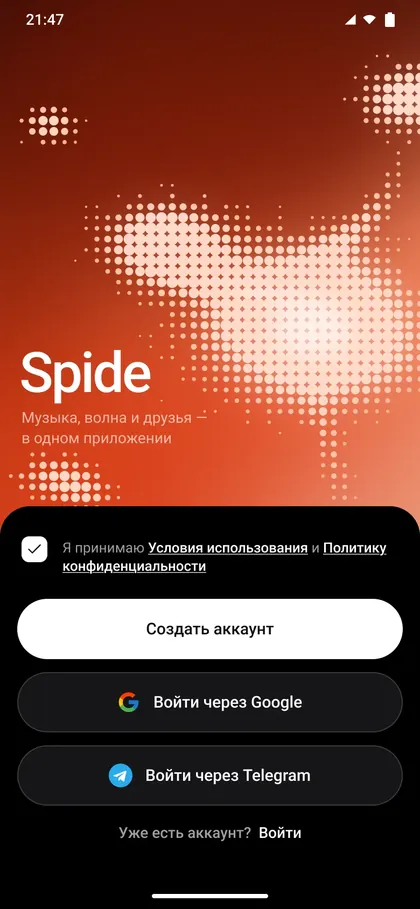
Not yet: the interface is in Russian. Lyrics translation works between Russian and English, and you can write to the assistant in English.
Not yet. Spide runs on Android 7.0 or later.
Spide is currently distributed only through its site and Telegram channel, so you install it from the APK.
Download the new version and install it over the old one. Your account, settings and downloaded music stay put.
Yes. Downloaded music plays without a connection, and every like can save itself for offline. The free plan holds 150 tracks; Premium has no limit.
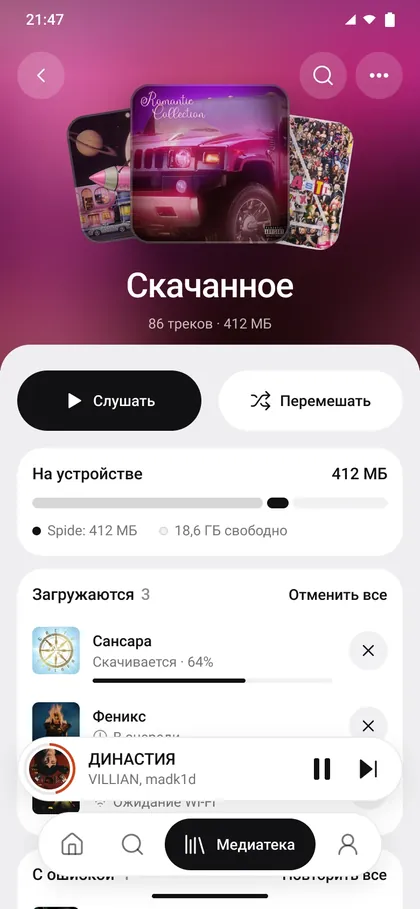
Yes. Sign in with Yandex in the import screen, tick the tracks and playlists you want, and they move over in the background. More about switching from Yandex Music.
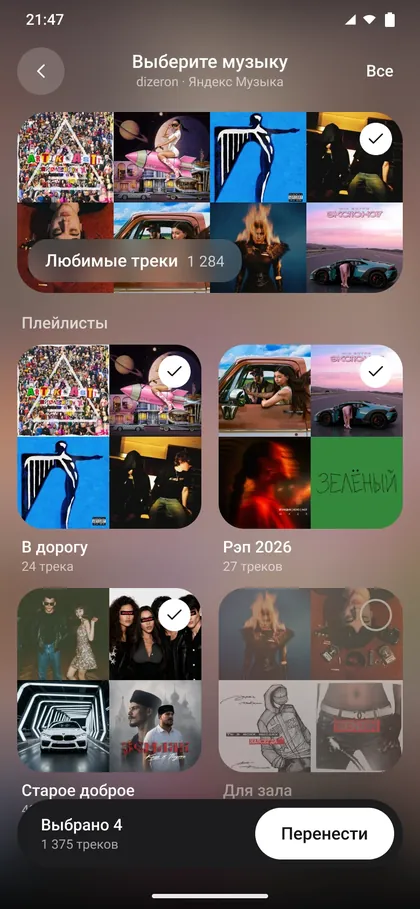
128 kbps on the free plan, up to 320 kbps with Premium.
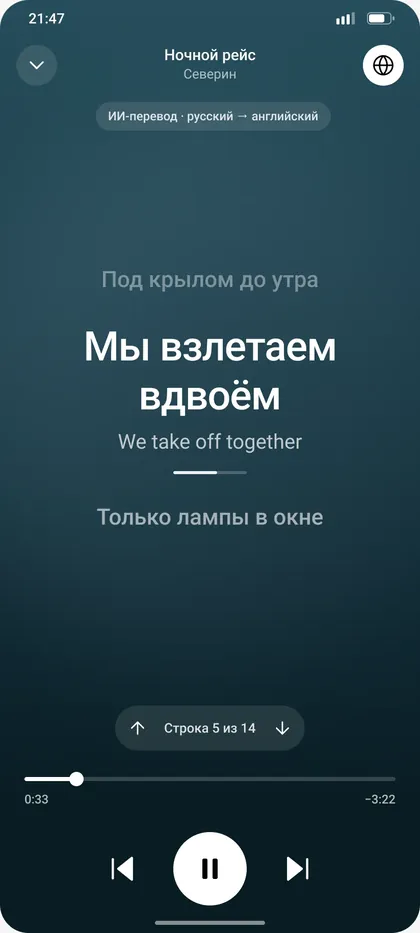
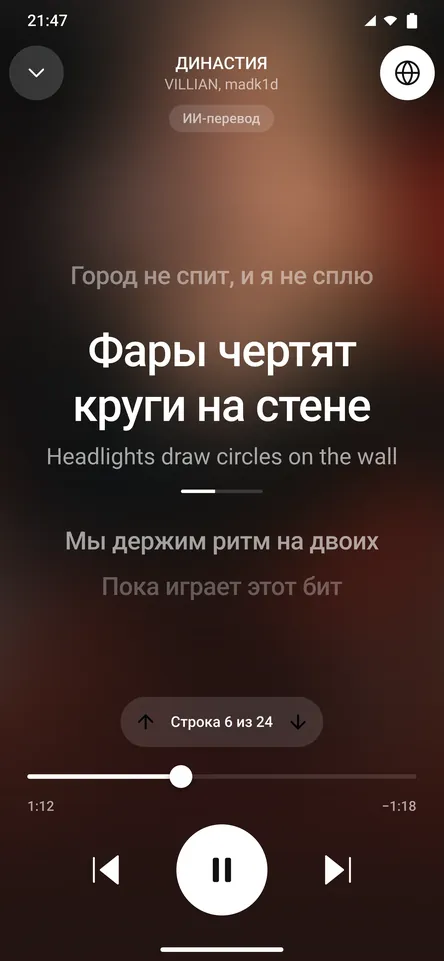
Yes, synced: the line being sung lights up and moves with the music. With Premium, AI translates lyrics between Russian and English, which is handy for learning Russian with songs.
Spide plays tracks from open third-party sources and doesn’t store audio files on its own servers.
With Google, Telegram or email. The account is free and keeps your likes, playlists and settings.
Message support on Telegram from the email or Telegram account you signed in with. Your account and all related data are deleted within 30 days.
Only what it needs to work: account details, your library and listening events for recommendations. The privacy policy has the details.
On Telegram or by email at MusicSpide@gmail.com. We usually reply the same day.
Message us on TelegramThat question isn’t here yet. Message us and we’ll answer it and add it here.
Ask on Telegram
Free. Sign in with Google, Telegram or email.
Version 7, 15.8 MB, Android 7.0 or later. The app is in Russian for now. How to install and verify the APK